Felix Krause
Co-Founder of contextsdk.com
Founder of fastlane.tools

While I leverage AI for my work, all my blog posts are handcrafted.
fastlane has saved over 1 million developer hours
During my internship at 6Wunderkinder ,I was part of a team with three engineers, where we worked for a whole day on just uploading localized screenshots and metadata to iTunes Connect. Our goal was to release an update to our users, but we were blocked by this tedious and long process.. This marked the first time I experience the pain of the release process for mobile apps and started dreaming of a better solution. As I worked for future companies and experienced the same pain over and over again, I decided it was time to build a tool that automated the tedious tasks I found myself constantly repeating. When I saw how much more efficient and faster this made me and my team, I knew I needed to share this tool with the community.
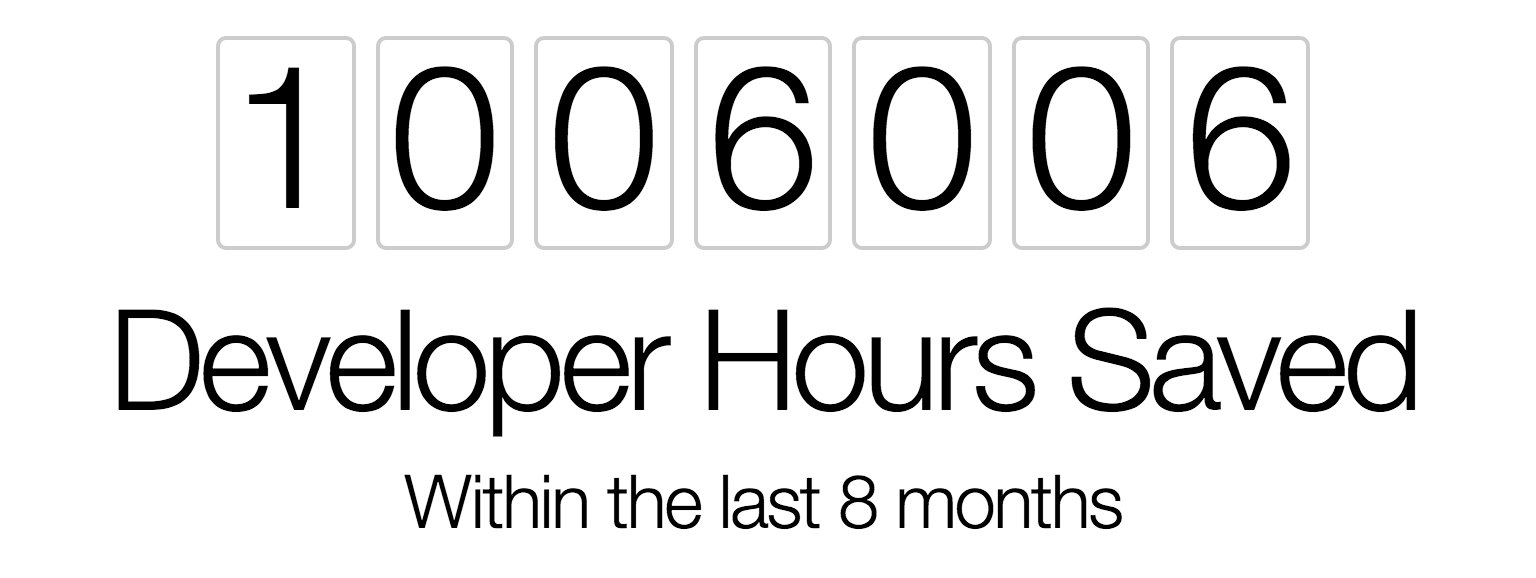
I’m super proud to announce, that within the last 8 months,fastlanehas saved developers around the world over 1,000,000 developer hours. This equals:
- 41,000 days
- 1,300 months
- 114 years
Putting that into perspective,every minute that passes,fastlanecurrently runs for12 hours, which is more than a full work day.
Think about all the things you could do with the extra time:
- Watch 660,000 soccer games
- Get 38 different bachelor degrees
- Circle the globe 15,000 times in an airplane
- Watch all Star Wars movies 75,000 times
- Build 10 Berlin Brandenburg airports
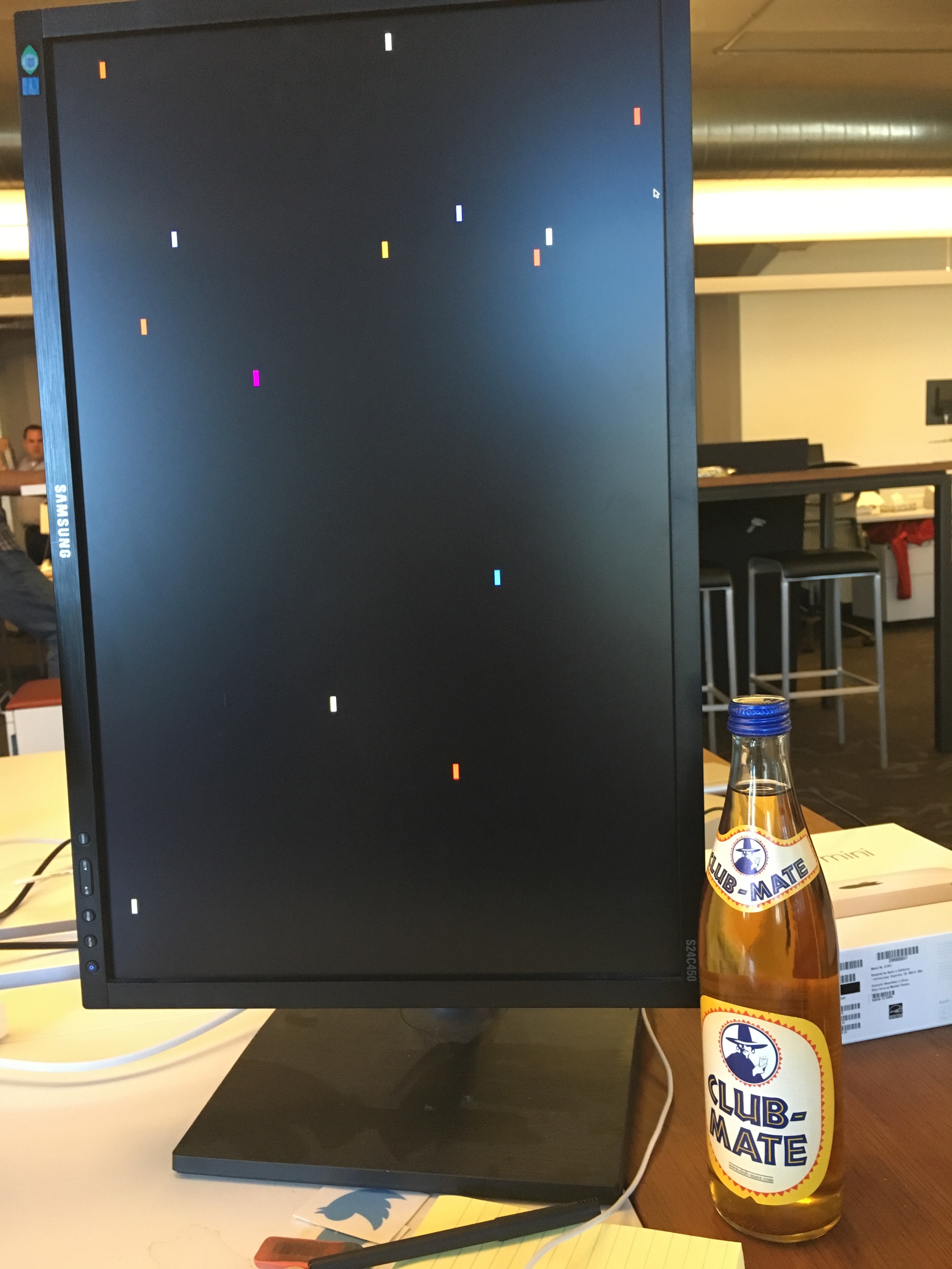
As developers, we know it’s incredibly motivating to see how users are using what you create at an exact moment at this exact moment. That’s why we built fasttrack, a simple web-app that visualises fastlane launches in real-time. Every time someone launchesfastlane, a rocket is being launched in the color of the corresponding tool. This is super motivating for me and the Fabric team to continue to deliver value to our users:
Every time I catch myself doing something that doesn’t add any direct value to users, I look at the rockets and regain my focus.
Once fastlane is set up you can do something else while your computer works on the tedious tasks for you. This is huge: You can work on your app, or you can play Super Smash Brothers with some friends (which is what I usually do).
I want to thank all fastlane users and contributors for making fastlane such a proud community success. I’m looking forward to the next 1,000,000 hours and can’t wait for what’s next!
Automatically download and upload dSYM symbolication files from iTunes Connect for Bitcode iOS apps using fastlane
When submitting iOS apps to the App Store with Bitcode enabled, your app gets recompiled by Apple, to be optimized for specific devices and architectures. While Bitcode is optional, it’s more and more encouraged by Apple, and even required for watchOS and tvOS apps.
Due to the fact that recompiling happens on Apple’s servers, third party crash reporters don’t have access to the symbolication files, which are required to properly associate the crash stack trace with the exact files and line numbers in your source code.
The current solution to solve this for Bitcode enabled apps is to manually download the dSYM files from Apple and upload them to your crash reporting service. Downloading the files can be done either using Xcode or iTunes Connect.
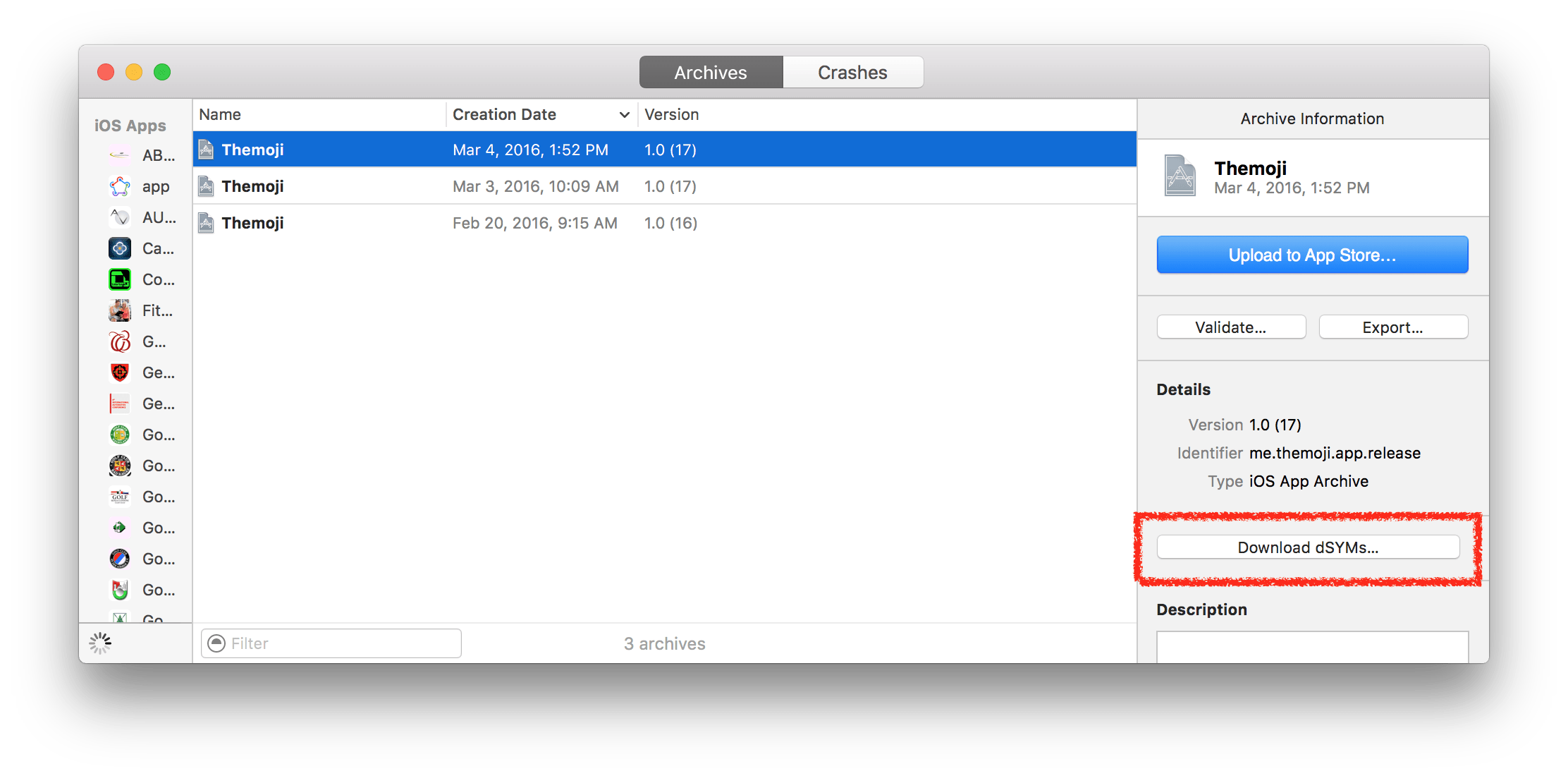 Download dSYM symbolication files using the Xcode Organizer
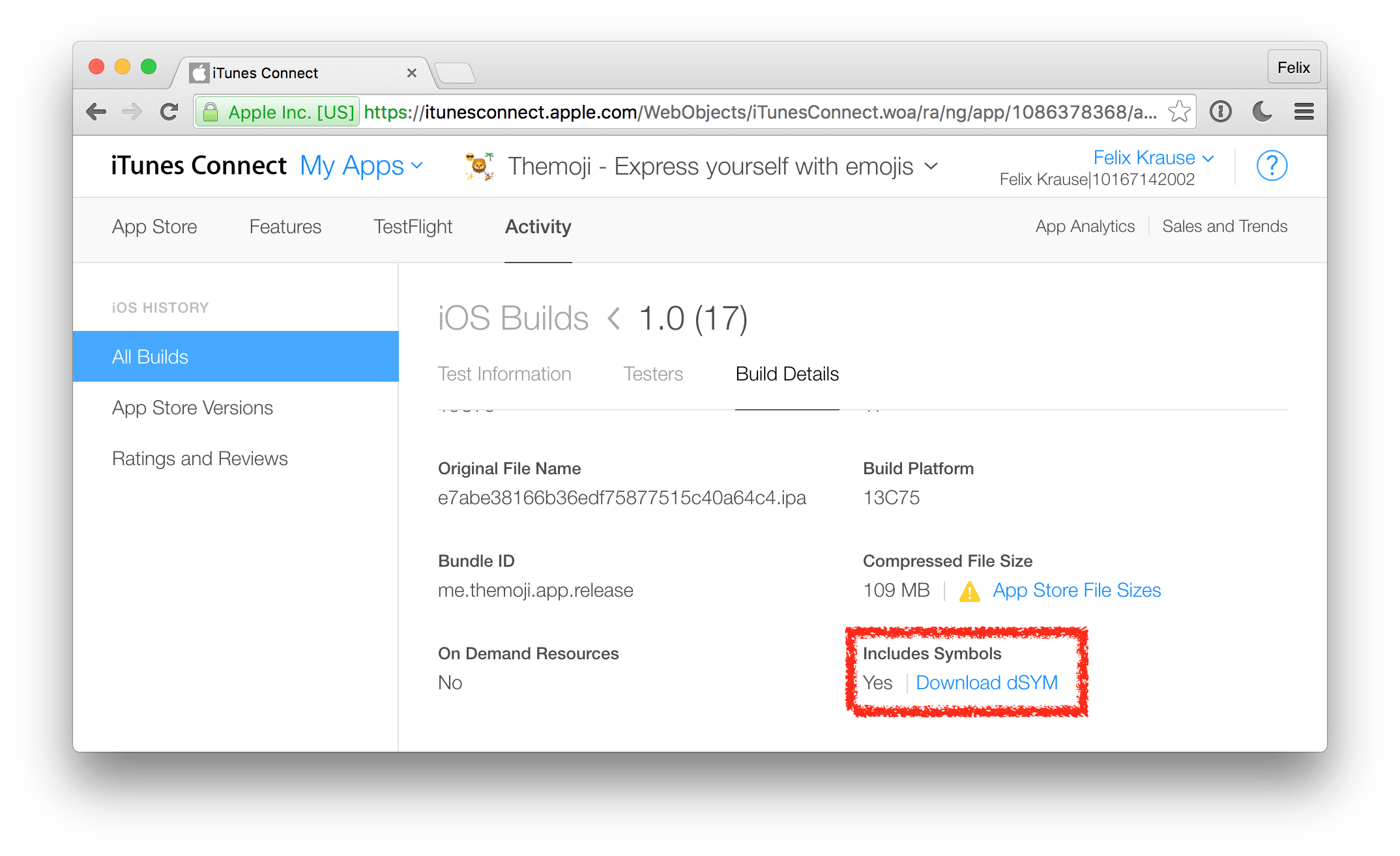 Download dSYM symbolication files from iTunes Connect
The problem with this approach is not only the time you spend doing this manually for every single release, but also the lack of automation. There was no way to automatically do this process after every release, or just periodically on every day, so you end up spending a lot of engineering time on repetitive tasks.
Introducing automatic fastlane dSYM download
With the latest version of fastlane, you can now easily download all available dSYM symbolication files from iTunes Connect and upload them straight to the crash reporting service of your choice.
lane :refresh_dsyms do
  download_dsyms                  # Download dSYM files from iTC
  upload_symbols_to_crashlytics   # Upload them to Crashlytics
  clean_build_artifacts           # Delete the local dSYM files
end
All you have to do is define a lane (as seen above) and run:
fastlane refresh_dsyms
It’s easy to just run this task on your existing CI infrastructure every day or so, however you’re totally free to trigger it whenever and wherever you want.
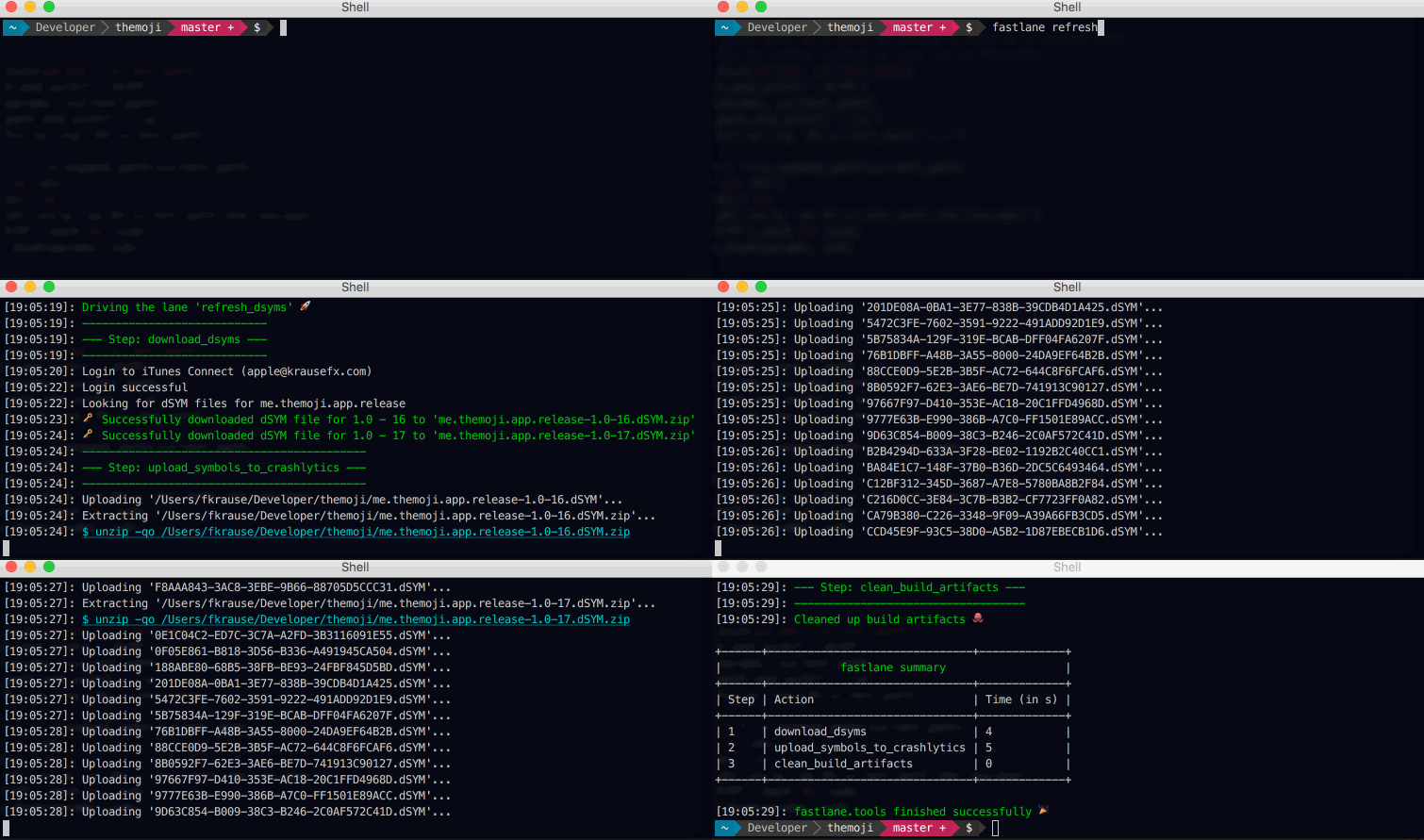
You can find more information about the available options in the fastlane docs.
Currently the dSYM upload is supported by Crashlytics, Sentry and HockeyApp. If your service is still missing and they provide an API, feel free to submit a PR to add it to fastlane.
Open Source
As always, everything described in this article is completely open source under the MIT license, check out the following source files:
- download_dsym.rb action (takes care of actually downloading the zip file from iTunes Connect)
- Access to build details, including dSYM files (spaceship code to receive the dSYM download URLs)
- upload_symbols_to_crashlytics (Upload the dSYM files to Crashlytics)
- upload_symbols_to_sentry (Upload the dSYM files to Sentry)
- hockey (Upload ipa and dSYM files to Hockey)
Getting started
If you’re already using fastlane, just update your existing Fastfile and add the new refresh_dsyms lane to it.
Step 1: Install fastlane
If you haven’t yet had the change to try fastlane, now is the perfect time. To quickly get started:
[sudo] gem install fastlane --verbose
cd your/project
mkdir fastlane && touch fastlane/Fastfile fastlane/Appfile
Step 2: Update Appfile
Edit your Appfile to include your bundle identifier and iTunes Connect Apple ID.
Step 3: Update Fastfile
Update your Fastfile to include the refresh_dsyms lane (seen above). You’re all set, now you can run
Step 4: Enjoy fastlane
fastlane refresh_dsyms
On the first run you’ll be asked for your password, which will be stored in your local Keychain.
You wonder what else you can add to your Fastfile? Check out the available actions to see all 170 built-in fastlane integrations, you can already use today.
Our goal to unify fastlane tools
I’ve been working as an iOS developer for over 5 years for various companies around the world. During that time it became clear there was lots of room for improvements around mobile developer tools, and in particular, the deployment of apps. Because of that, I started implementing little tools to help me automate tedious tasks like uploading metadata for release builds or generating screenshots. Each of those tools had no connection with each other and ran as standalone commands. About 4 months after the initial release of deliver, snapshot and frameit, I noticed one common theme: All users of those tools developed their own shell scripts to trigger different deployment steps, pass on information, and ensure every step was successful.
I wanted to help developers connect all the tools they use into one simple workflow. That’s why I created fastlane.
But as the community grew and the architecture became more complex, I needed to think about how we could best build the foundation of fastlane to continue to be a tool you love to use.
In its current setup, we ran into these problems:
- When releasing a spaceship bugfix, it required us to do at least five releases just to roll out the change to all users
- fastlane has its own repo just to manage the other repos called “countdown”
- The fastlane organization has over 30 GitHub repositories
- I added 360 commits whose only purpose was to update internal dependencies between fastlane tools
- We ended up with a lot of duplicate issues across multiple repos
-
Having 20 different travis builds to keep green, instead of just one
-
Working on a new feature or big change required us to switch to a separate branch on three different repos, which all depended on each other. Not only is it very time consuming to work on three different repo’s feature branches, but also the release takes longer: You have to merge the first PR, then do a release, before you can update the dependency of the other tool, to turn the build green and merge the next one.
- It’s hard to decide when to release an update for each of the tools, so we built a script to show which tool has the highest number of outstanding changes to be released. Switching to a mono repo allows us to switch to a more regular release cycle
Our goal to unify fastlane tools
To solve a lot of these problems, our team decided to move all fastlane tools into one main repository. Each tool will be in a subfolder enabling you easy access to its source code.
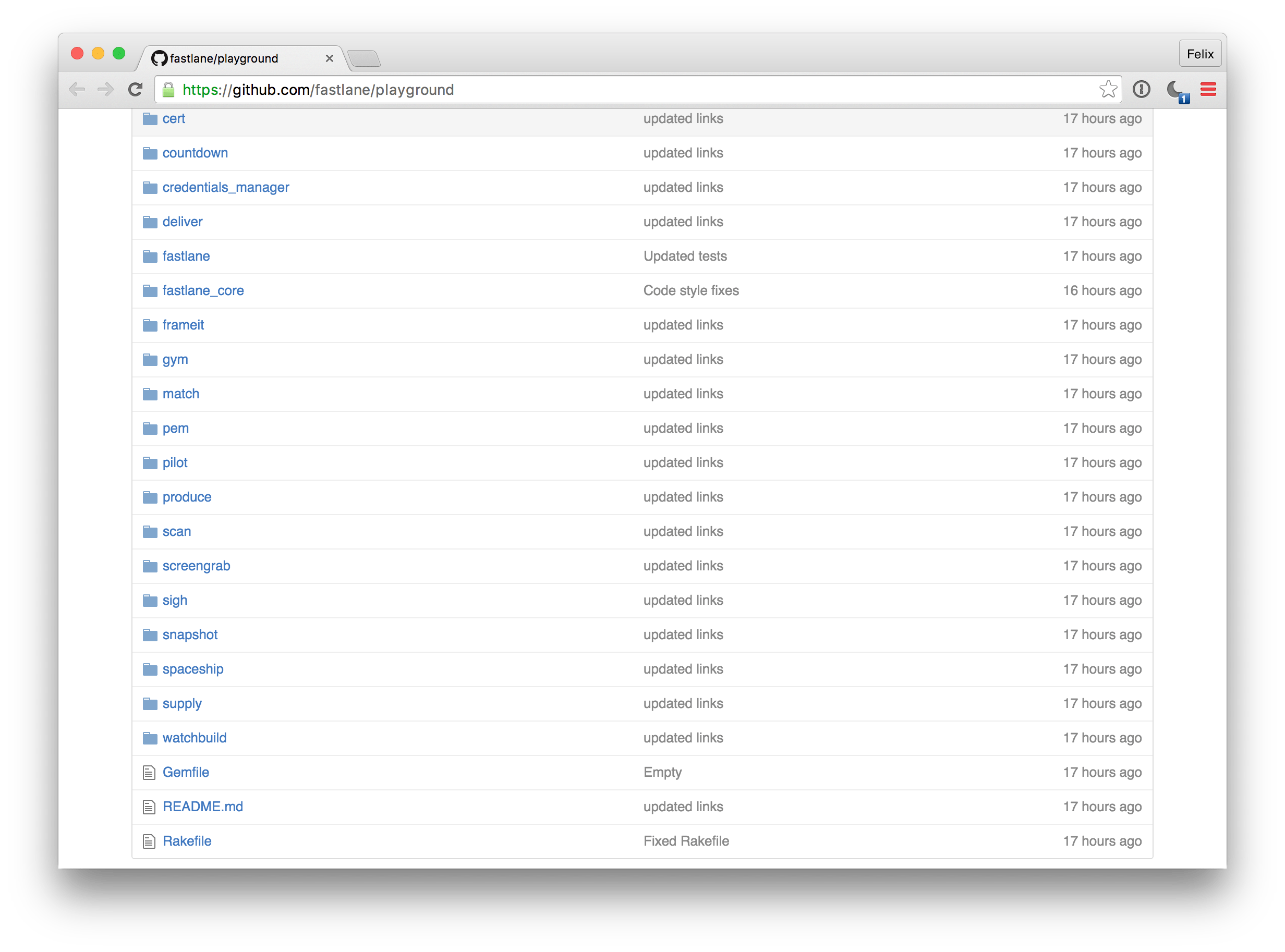
I wanted to make this change as seamless and hassle-free as possible for everyone. With this migration, you can still use all tools directly, so your setup will continue to work as normal.
This should not break any existing setups and doesn’t require any action from your side.
Unifying fastlane means having one place for everything you need. Now, there will be one place to submit and search for issues on GitHub, one place for the documentation, one place to contribute to fastlane, and one tool to install :)
We’ll be making this move within the next couple of weeks.
Technical Details
I’d like to share some more technical information on how the switch will work and the challenges I faced.
The requirements:
- All individual tools (like deliver, snapshot, etc.) have to be moved into the main fastlane repo
- We want to preserve the complete history, meaning all commits across all repositories
- All existing issues on the repositories need to be migrated to the main repo, both open and closed ones
- I wanted to be sure that every person who contributed to fastlane in the past shows up in the Contribution Graph. fastlane wouldn’t be possible without the great community around it.
To implement all this I created a new repo (ironically) that contains all the scripts used to make the switch. You can find all the source code on fastlane/monorepo.
Moving the tools to the main repo
To move all source code to the main repo and still preserve the history with all commits, we used standard git features. You can check out the full source code on GitHub. Using this technique, all previous commits are still available, and the Contribution Graph shows all developers who ever contributed to fastlane.
Copying the GitHub issues to the main repo
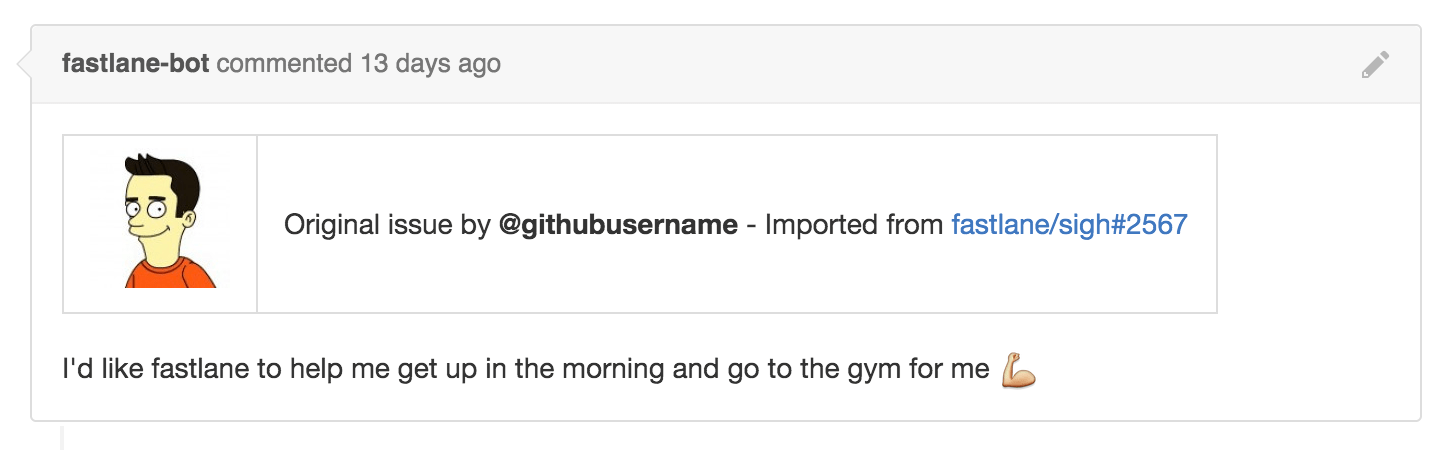
There is no built-in way to migrate or merge issues to another repo. GitHub provides a great API which we used to copy over all existing issues. However the newly copied issues are not created by the original author, but by our fastlane bot instead. On the newly created issue we always mention the original authors, resulting in them being subscribed to the new issue.
You can check out the full source code on GitHub. With this we worked on a lot of little tricks to make sure users are subscribed to the newly migrated issue and the original author is still visible. The GitHub API doesn’t allow us to post issues as the original author (for good reasons), so we solved this problem by posting the user’s information right inside the actual issue.
Ruby Gems
There are no changes with the way you install fastlane, you can still install tools e.g. using gem install deliver.
What happens to the other GitHub repositories
For SEO reasons we will keep the other repositories around, however the long term plan is to remove them and have everything in the main repo. The old repos will link to the new mono repo, therefore all issues and pull requests will be closed and moved over to the fastlane main repo.
Upgrading fastlane support to the next level 🚀
We took this opportunity to also improve the way we handle issues as a team. Our goal is to be faster and better at responding to all incoming GitHub issues and reviewing pull requests.
Up until a few months ago, I was managing everything alone, resulting in my not responding to everyone in a timely matter. Thanks to Twitter & Fabric, the fastlane team has grown tremendously in the last few weeks, allowing us to offer world-class help for our thriving community. We want to treat support as a first class citizen and provide the best experience possible.
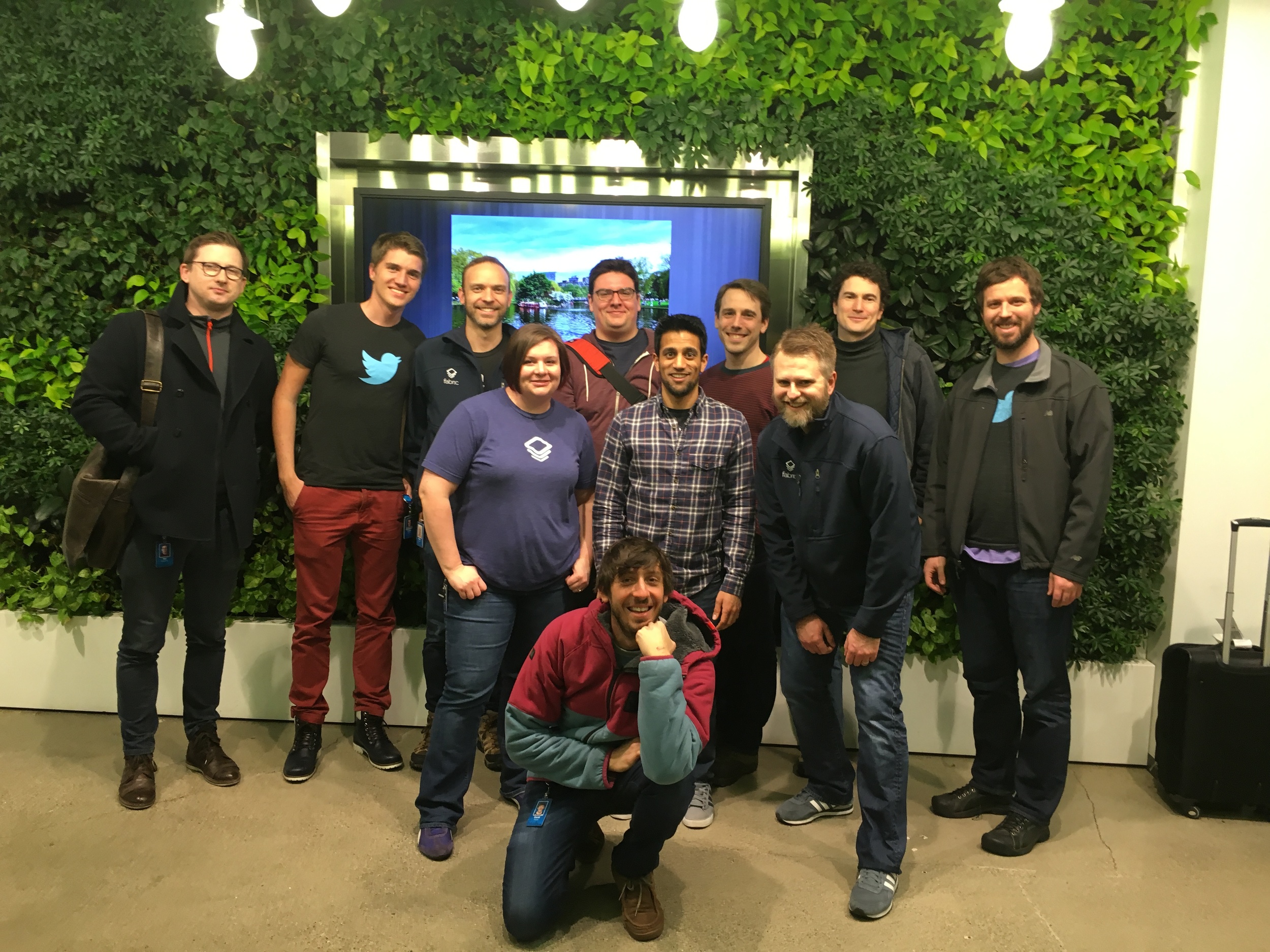 We’re just getting started: being part of Fabric means a passionate dedicated team to offer the best support & future experience for fastlane customers.
With that in mind, we have a lot of inactive issues and pull requests spanning the last year when I was still working on this project in my free-time. Out of the 829 open issues across all repos, 273 issues haven’t had any activity within the last 3 months.
After the migration, we will be constantly looking at all issues to make sure the process is improving. We’ll also be commenting on those inactive issues to see if the problem is still happening for those of you who submitted pull requests. This enables us to be much more responsive to new issues and have a better overview on what to focus our time on.
The Future
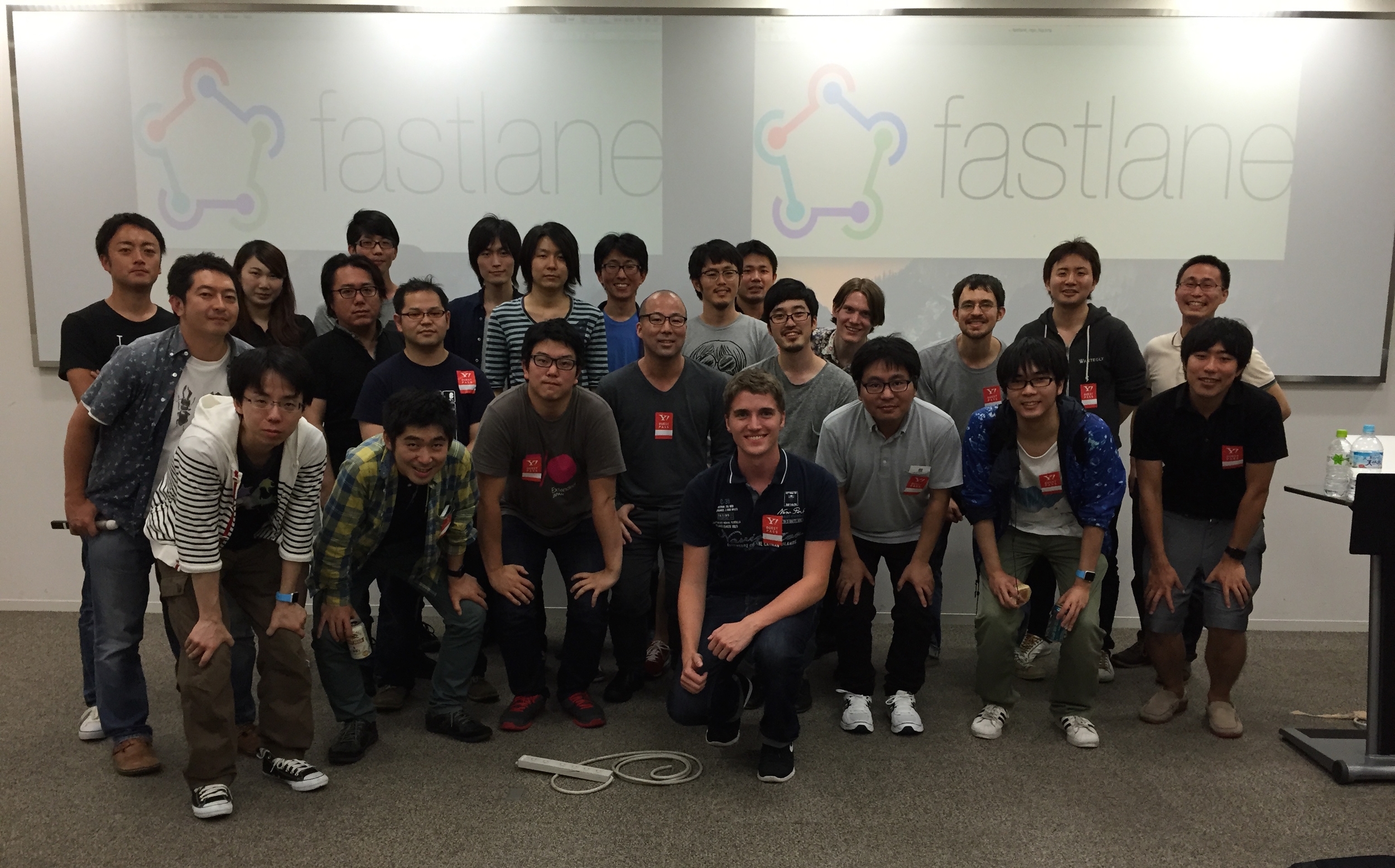
This is one of the most impactful changes to fastlane yet. While there’s a lot of information, it’s very important to the entire team to communicate what we are up to. This migration shows our commitment to innovation and creating the future of fastlane.
I’m confident that this change will make yours and our lives much easier and will save us all a ton of time in the future. We’d love your feedback on this, Tweet at us at any time! :)
Introducing screengrab, the next big fastlane tool for Android

Before fastlane became part of Twitter, fastlane was only available for iOS applications. This year, at Twitter Flight, we announced Android support for fastlane. We started by helping you ship your app to Google Play using supply. Of course, we also integrated with the tools you already love, like Gradle.
Today, we’re excited to announce screengrab, a new tool to automate taking localised screenshots on different Android devices. It’s similar to snapshot, but for Android apps.
Check out the Fabric Blog Post for more information.